

Connect the commercial journey.
Manage leads, quotations, orders, customer records and invoices without starting from a blank sheet at every stage.
YOUR BUSINESS. TOGETHER.
From the first quotation to the final payment. From your stockroom to your team. Bring the work that matters into one KATIB workspace.
All modules included. Choose how you connect.
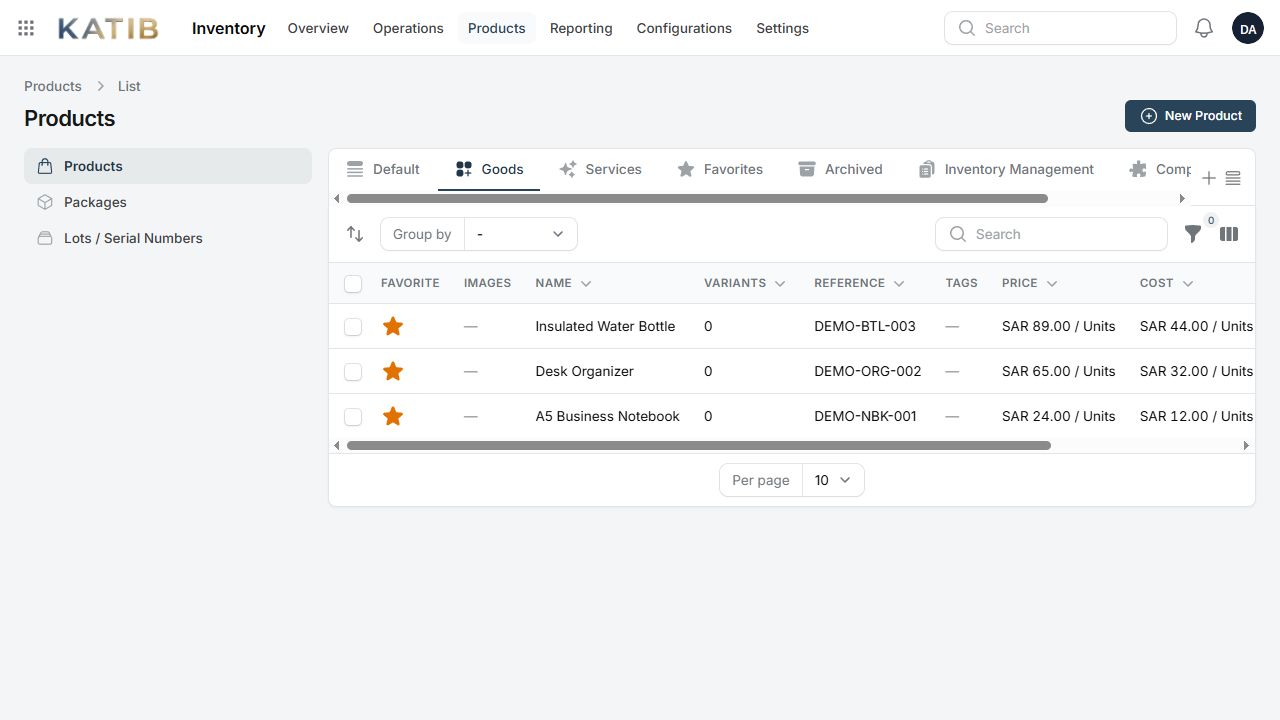
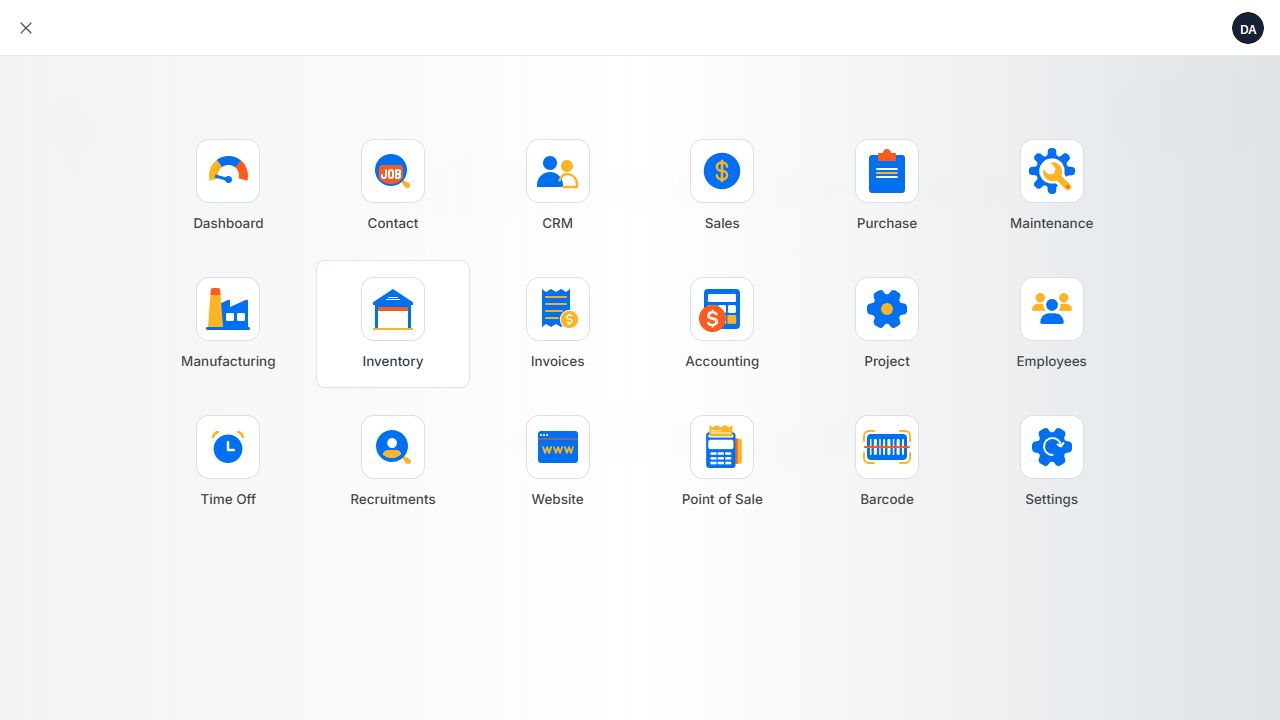 Module launcher
SEE KATIB AT WORK
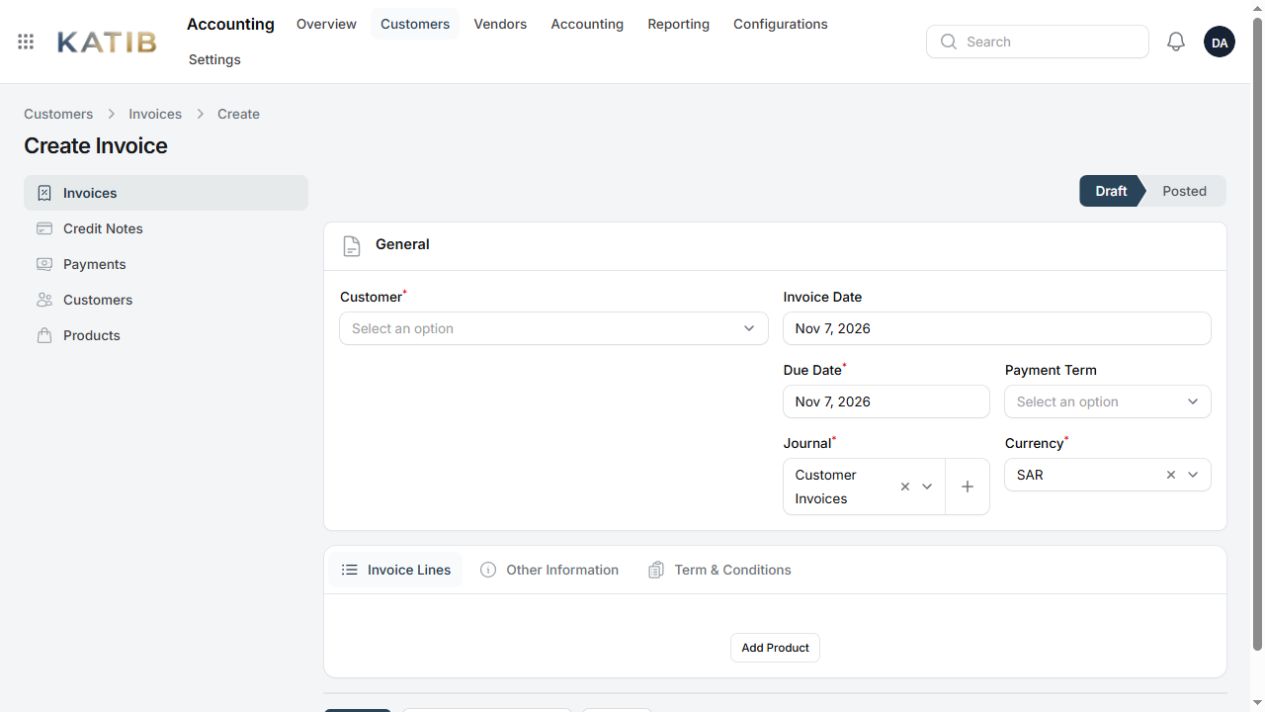
Screenshots from the running KATIB application, using a demo company and sample products.
LESS FRAGMENTATION. MORE CLARITY.
Keep your records, everyday operations and people working from the same foundation. KATIB brings the business functions together, with access shaped around each person's role.
Manage leads, quotations, orders, customer records and invoices without starting from a blank sheet at every stage.
Organize products, purchasing, warehouse operations and production alongside your financial records.
Bring employees, projects, time off, recruitment and timesheets into your company workspace.
Control who can view, create and manage your records.
Set up your company, currency, tax choices and administrator in the guided wizard.
Keep teams connected to the same company data in Office and Online.
THE SAME KATIB. YOUR WAY TO WORK.
Start with the way your people work. Every edition includes the full module set and the same guided company setup.
Your business. On your computer.
For owners and small businesses who want their ERP and company database on one Windows PC.
One office. A shared workspace.
For employees working across computers on the same office network, using one company server.
Your team. Wherever work happens.
For businesses that need a hosted company workspace across offices, branches and remote locations.
| What matters to you | Offline | Office | Online |
|---|---|---|---|
| Where the ERP runs | One Windows PC | One company server | A hosted server |
| Who connects | Users on that PC | Employees on the office network | Employees with internet access |
| Daily internet requirement | No | No, within the office network | Yes |
| All business modules | Included | Included | Included |
| Guided company setup | Included | Included | Included |
| Keep running when the host PC is off | Host PC must be on | Company server must be on | Hosted server must be available |
| Installation format | Windows x64 installer | Windows server installer | Windows server installer with HTTPS |
THE COMPLETE TOOLKIT
Explore the business functions included with KATIB. Choose an area or search for the capability you need.
Loading module catalog…
No matching modules. Try another keyword or choose All modules.
Company settings, user roles, access permissions, document sequences, custom fields and configurable business defaults support the modules across your workspace.
A THOUGHTFUL START
The guided wizard helps you prepare a usable company workspace before you begin your day-to-day operations.
Let’s find your setupCompany name, country, base currency and your tax registration choices. Add contact and business details if you have them.
Set up the person who manages the workspace. Activate your subscription using the key provided for your company.
All modules, chart of accounts, journals, document numbering, payment terms and a main warehouse are prepared. Add your own products, balances and further settings.
YOUR NEXT STEP
Download the Windows installer for your deployment. An active license is required to operate KATIB; downloading does not create a subscription.
The Windows installer bundles the local runtime and database, with the guided company setup and all business modules.
Preparing downloadInstall on the Windows computer that will host your shared workspace. Your team connects through the office network.
One Windows installer for Office and Online. Choose your edition during setup.
Checking release…Use the same installer and choose Online. Connect your public domain with HTTPS for secure access over the internet.
Guided company setup, bundled database and all 21 modules.
Checking release…CLEAR TERMS. MANUAL REVIEW.
Monthly, yearly and multi-year terms are available by application. We confirm the edition, users and setup with you before activation. Pricing is provided with your license quote.
Activation and renewal need internet access. Monthly licenses have no scheduled periodic verification.
Licenses verify every three calendar months, with up to three days of connection grace, capped by the subscription expiry.
After expiry, your workspace remains available for read-only access and exports.
LET’S GET YOUR BUSINESS SET UP
Tell us a little about your company. We’ll review your requirements and contact you about the right license and deployment.
Send your application.Choose an edition and subscription term.
Confirm the details.We review setup, users and your license quote.
Receive your activation key.Licenses are issued after payment is confirmed.
No card details or payment are collected on this form. An application does not automatically issue a license.
APPLICATION SAVED
Keep this reference for your records.
A LITTLE MORE CLARITY
Yes. Offline, Office and Online share the same 21 business modules and guided company setup. Your edition determines how people connect; roles and permissions determine what each user can access.
Daily operations run locally on the PC. Internet is needed to activate and renew a license. Yearly and multi-year subscriptions also verify every three months. Monthly subscriptions have no scheduled periodic checks.
Office uses your local company network, so daily operations can continue without an internet connection while the company server is running. Activation, renewal and applicable quarterly license checks still need internet.
Online requires internet access to reach the hosted company workspace. Automatic offline-to-online synchronization is not included. Choose Offline or Office when local operation is important.
Your workspace becomes read-only. You can still view and export your records. After payment is confirmed, refresh or reactivate the renewed license to make changes again.
Run the Windows server installer and choose Office or Online. The wizard prepares your company, administrator, database and all 21 modules. Online also needs a public domain and HTTPS.
It prepares your company, administrator, selected country and currency, tax choices, all modules and working defaults. You still add your own products, contacts, opening balances and any further configuration needed for your business.
Contact us before changing deployment. Moving company data between installations needs a managed migration and backup; it is not an automatic sync between separate databases.
Your contact and company details are stored privately for the KATIB team to review your requirements and follow up about licensing and setup. The form does not collect card information, take payment or issue a license automatically. Please do not include passwords, financial records or other sensitive documents in your message.